
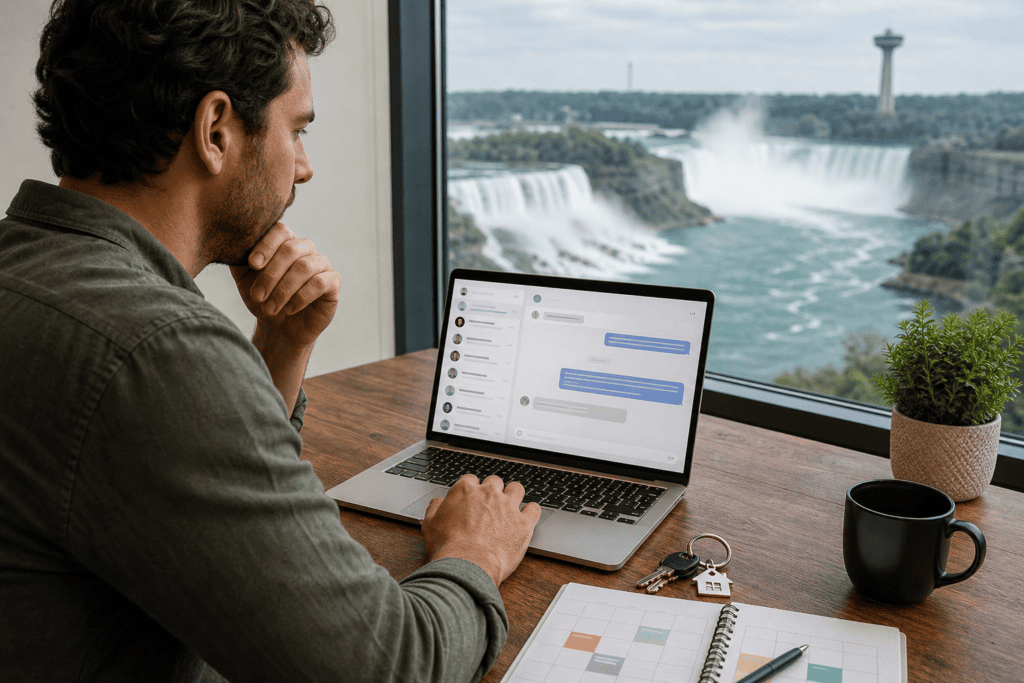
Guest communication automation tools can reduce repetitive messaging, organize reservations, and deliver consistent instructions. They should not replace human judgment when a guest reports an emergency, disputes a charge, raises a complaint, or needs help outside a standard workflow.
The right choice starts with your operating model. Map the guest journey first, then select tools that connect reliable booking data with scheduled messages, clear escalation rules, and the level of human support your property requires.
1. Map the guest communication journey before choosing a tool
Do not begin by comparing software features. Begin by listing what guests need at each stage of the stay, from their first inquiry to the post-checkout follow-up. This prevents you from buying a messaging product that handles one task well but leaves booking, cleaning, maintenance, or escalation disconnected.
| Stage | Usually suitable for automation | Keep human oversight for |
|---|---|---|
| Inquiry and booking | Basic property details, availability links, booking confirmations | Special requests, unusual occupancy questions, suitability concerns |
| Pre-arrival | Directions, check-in timing, access instructions, house information | Accessibility needs, late-arrival problems, unclear or changing instructions |
| During the stay | Routine reminders and frequently asked questions | Complaints, lockouts, safety concerns, damage, repairs, and neighbour issues |
| Checkout | Checkout time, departure steps, and reminder messages | Disputed damage, missing items, early departure, or deposit questions |
| After the stay | Thank-you messages and review requests | Responses to negative feedback or unresolved service issues |
Mark each message as “routine,” “conditional,” or “human required.” Routine messages can usually be scheduled. Conditional messages need accurate booking data and carefully defined triggers. Human-required messages should create an alert rather than generate an automatic answer.
Stop point: If you cannot describe what should happen when a message falls outside the normal path, do not automate that part yet. A reliable escalation process matters more than a larger collection of templates.
2. Compare the main types of guest communication automation tools

“Guest messaging automation” can describe several different products. The categories overlap, so compare the job each tool performs rather than assuming every platform includes the same capabilities.
| Tool type | Best for | Main limitation to check |
|---|---|---|
| Scheduled messaging | Sending pre-arrival, check-in, checkout, and follow-up templates | Messages can become inaccurate if reservation details or property instructions change |
| Unified inbox | Viewing conversations from supported booking channels in one workspace | Some channels or message types may not be supported |
| Rule-based replies | Answering predictable questions using keywords or saved responses | Rules may misread context or mishandle unusual questions |
| AI-assisted replies | Drafting responses from approved information | Generated text needs review for accuracy, privacy, tone, and unsupported promises |
| PMS-integrated messaging | Connecting reservations, guest details, calendars, and operations | Automation depends on accurate synchronization and permissions |
| Verification and messaging platforms | Organizing conversations while supporting identity checks or pre-arrival requirements | Verification does not remove the need to handle exceptions personally |
When comparing categories, look for guest verification and messaging platforms that fit your booking process. A single property may need only reliable templates and notifications, while several properties may benefit from centralized conversations, reservation-linked triggers, and role-based access.
3. Prioritize features that prevent missed messages
The most useful guest communication automation tools are not necessarily the ones with the longest feature list. Focus on whether the system keeps the right information together and makes responsibility visible when automation stops.
- Booking and calendar management: Messages should reflect confirmed dates, cancellations, changes, and property-specific details. Booking and calendar management should work alongside check-in coordination, reservations, and cleaning schedules.
- Stay-lifecycle triggers: Check whether messages can be sent relative to booking, arrival, check-in, checkout, or departure.
- Reusable templates: Use approved templates while allowing property-level variations for parking, access, amenities, and quiet hours.
- Centralized history: Team members should see relevant conversations, previous answers, and unresolved issues in one place.
- Human handoff: The tool should notify a named person about emergencies, complaints, repairs, disputes, or uncertain answers.
- Permissions and audit history: Choose controls that show who edited a template, changed a trigger, or responded.
- Channel and integration support: Confirm which booking channels, calendars, property systems, and notification methods connect.
- Reporting: Look for records of sent messages, failed deliveries, unanswered conversations, and escalations.
4. Build the workflow in the right order
Set up automation in stages. Connecting every channel and activating dozens of messages at once makes errors difficult to identify.
- Connect the source of truth. Use the booking or property management system containing reliable reservation dates, guest details, property assignments, and status changes.
- Create essential templates. Start with confirmation, pre-arrival, check-in, mid-stay support, checkout, and follow-up messages.
- Define each trigger. Specify the event, timing, recipient, property, channel, and cancellation condition.
- Limit personalization. Insert only fields that are consistently populated and verified.
- Assign ownership. Give each workflow a person responsible for reviewing replies and handling exceptions.
- Set escalation notifications. Decide which words, categories, or unanswered-message periods should alert a human.
Stop point: Read each message as a guest with no background context. If the guest would still need to ask where to go, what to do, or who to contact, improve it before automating.
5. Set clear limits for automation and human escalation
Automation is appropriate for consistency, not for transferring responsibility. A scheduled reply cannot inspect a property, interpret a complicated complaint, decide whether a situation is dangerous, or judge a disputed payment.
Route these situations to a person immediately:
- Fire, flooding, suspected break-in, medical concerns, or other safety emergencies.
- Heating, cooling, plumbing, electrical, lock, appliance, or access problems.
- Complaints involving cleanliness, noise, damage, discrimination, privacy, or neighbours.
- Cancellation, refund, deposit, charge, or damage disputes.
- Requests involving sensitive personal information or documents.
- Suspected policy violations, unauthorized occupants, parties, or unsafe activity.
- Requests requiring local compliance knowledge or a change to the approved operating process.
Communication also needs to connect with the physical operation. A broken lock may require a handyman, while a same-day turnover issue may require housekeeping coordination. HAH Developments describes its Niagara short-term rental services as including guest communication, booking management, cleaning coordination, maintenance, compliance support, and 24/7 guest support. That combination illustrates why messaging should be designed as part of property operations, not treated as an isolated inbox.
6. Test the system before it sends messages to real guests
Use test reservations or a controlled internal booking to inspect the entire workflow. Check arrival and departure times, time zones, daylight-saving changes, merge fields, links, access instructions, phone numbers, and property details.
- Test a new booking, date change, cancellation, and shortened stay.
- Confirm messages stop when the reservation status changes.
- Simulate a maintenance alert, complaint, and unanswered question.
- Verify who receives escalations and whether they can respond from the correct account.
- Review the tone on a mobile device and remove vague or overly certain wording.
Begin with a monitored trial rather than full activation. Review sent messages and exceptions after changing check-in procedures, access systems, cleaning arrangements, or house rules.
7. Decide between software-only, hybrid support, and professional co-hosting
| Operating model | Choose this if | Plan for |
|---|---|---|
| Software-only | You manage one straightforward property and can monitor alerts and respond quickly | Template maintenance, guest exceptions, repairs, and after-hours coverage |
| Hybrid human-and-tool workflow | You want routine automation while retaining control over complaints and exceptions | A named responder, escalation rules, and coordination with cleaners and maintenance |
| Professional co-hosting | You lack the time, local availability, or systems to manage communication consistently | Clear service scope, reporting expectations, cost responsibilities, and agreement terms |
A co-hosting arrangement is broader than installing messaging software. It may connect guest communication with booking management, cleaning, maintenance, listing work, and support coverage. HAH Developments states that it provides Airbnb hosting and co-hosting in Niagara, including guest communication, booking management, cleaning coordination, maintenance, and 24/7 guest support. This is operational support, not evidence that the company develops or sells automation software.
Guest communication automation tool selection checklist
- Which booking channels and calendars can it connect to?
- Can it trigger messages based on booking status, arrival, check-in, checkout, and cancellation?
- Can each property have its own approved templates and instructions?
- Will staff see conversation history in one place?
- How are urgent messages and unanswered conversations escalated?
- Can you control permissions and review changes?
- What guest verification options are available?
- Does it record failed deliveries, exceptions, and manual interventions?
- Can you retain the information needed for owner oversight?
- Who maintains workflows when property details change?
Frequently asked questions
Which guest messages are safe to automate for a short-term rental?
Routine confirmations, arrival reminders, directions, standard check-in instructions, checkout reminders, and thank-you messages are generally the safest starting points. Review messages containing changing access, parking, safety, or property information before enabling them.
Can guest communication automation tools replace human guest support?
No. They can organize conversations and handle predictable information, but emergencies, maintenance, complaints, disputes, sensitive information, and unusual requests require human judgment.
What should a guest messaging tool connect to before it goes live?
It should connect to the reliable source of reservation dates, guest details, property assignments, and booking status. Depending on your workflow, it may also need calendars, cleaning coordination, maintenance alerts, and staff notifications.
Do I need guest verification and messaging platforms for one rental?
Not necessarily. A single host may manage with accurate templates, calendar-linked scheduling, and dependable notifications. Consider more advanced capabilities when multiple channels, shared access, or verification requirements make manual tracking difficult.
When should a short-term rental owner use a co-host instead of software alone?
Consider professional co-hosting when you cannot reliably monitor messages, respond to urgent issues, coordinate turnovers, or remain available for guests. Software can organize the workflow, but it cannot provide physical presence or operational accountability.
Conclusion: choose automation that keeps responsibility clear
Start with the guest journey, not the feature list. Automate repeatable messages supported by accurate booking data, then build clear human escalation for anything involving safety, maintenance, complaints, disputes, privacy, or local judgment.
For one property, software-only automation may be enough if you can monitor it consistently. A hybrid workflow is more practical when you want efficiency without losing personal oversight. If communication must be coordinated with cleaning, maintenance, booking management, and round-the-clock support, professional co-hosting may be the more complete operating model.
For Niagara property owners evaluating short-term rental communication and broader management support, The Home Away From Home Developments Inc provides short-term rental management and Airbnb hosting and co-hosting services, including guest communication, booking management, cleaning coordination, maintenance, and 24/7 guest support.